Try it Out for Free


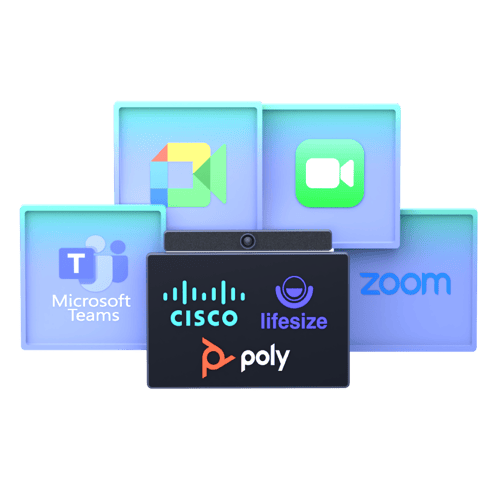
Connect any SIP (Cisco, Poly, LifeSize etc.) to any web meeting. 


Connect_hero_graphic_with_facetime2_small

What

This free video interoperability tool is providing you with a URI address you can put into your SIP video device and call any web meeting. Just copy the URL from any video meeting into this form


How to

Connect to any video meeting with Synergy SKY:

1. Copy the meeting invitation link.
2. Paste the link into this converter. 
3. A new address will be generated.
4. Enter the new address on your video conferencing device to join the meeting.
5. When connected press 7 on touch panel and scan the QR code on screen for TrueView Engage

Supported platforms: Teams, Zoom, Google Meet, and FaceTime.

❗Not supported: Dual Screen devices, in this tester
   By clicking “Generate URI”, you agree to the Synergy SKY EULA


  • PS You call into your own meeting. Make sure at least one more is connected to the meeting.
  • This gateway trial has feature limitations and do not have the full feature set you get in paid CONNECT.
  • Pro tip: Hit 7 on the touch panel and scan the QR code to get meeting controls on your cell phone. 

Privacy

It's your meeting.


Secure

No meeting content is stored.
 

No need for CVI, CRC or any other gateway. 

Privacy note: No audio, video or other content shared during test calls is recorded or stored by Synergy SKY. Use of this service is at your own risk, and Synergy SKY disclaims all warranties, including uninterrupted or error-free operation and security against intrusions.