
CONNECT GO For Zoom Rooms
Scan, Swipe, Connect
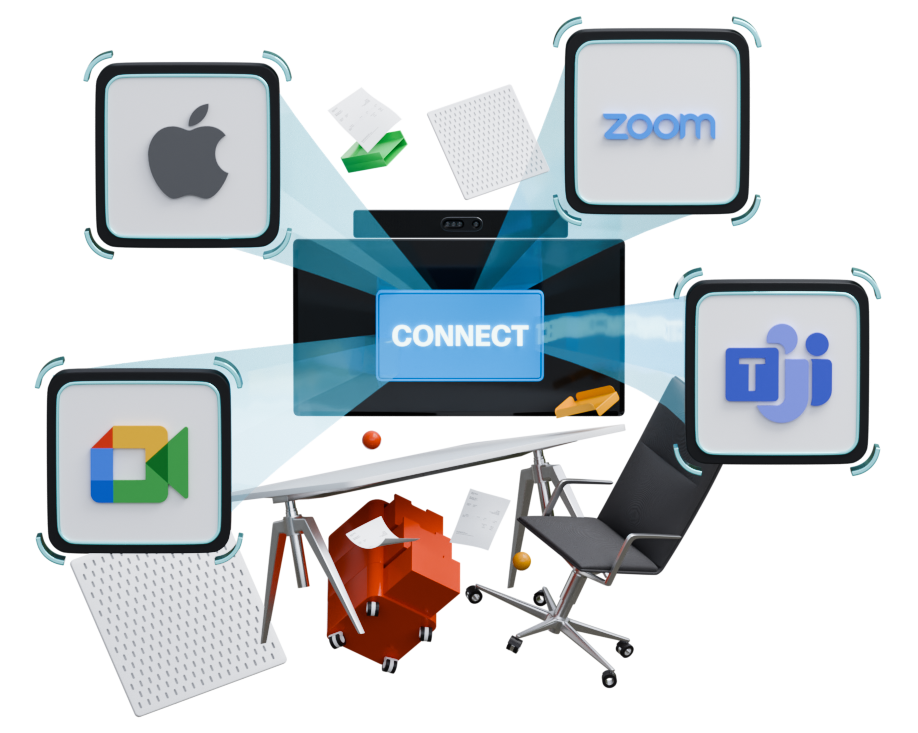
Zoom Rooms Can Now Join Microsoft Teams, Google Meet & Apple FaceTime Meetings with Synergy SKY CONNECT GO for Zoom Rooms

GO Cloud
No installation. No hardware changes.
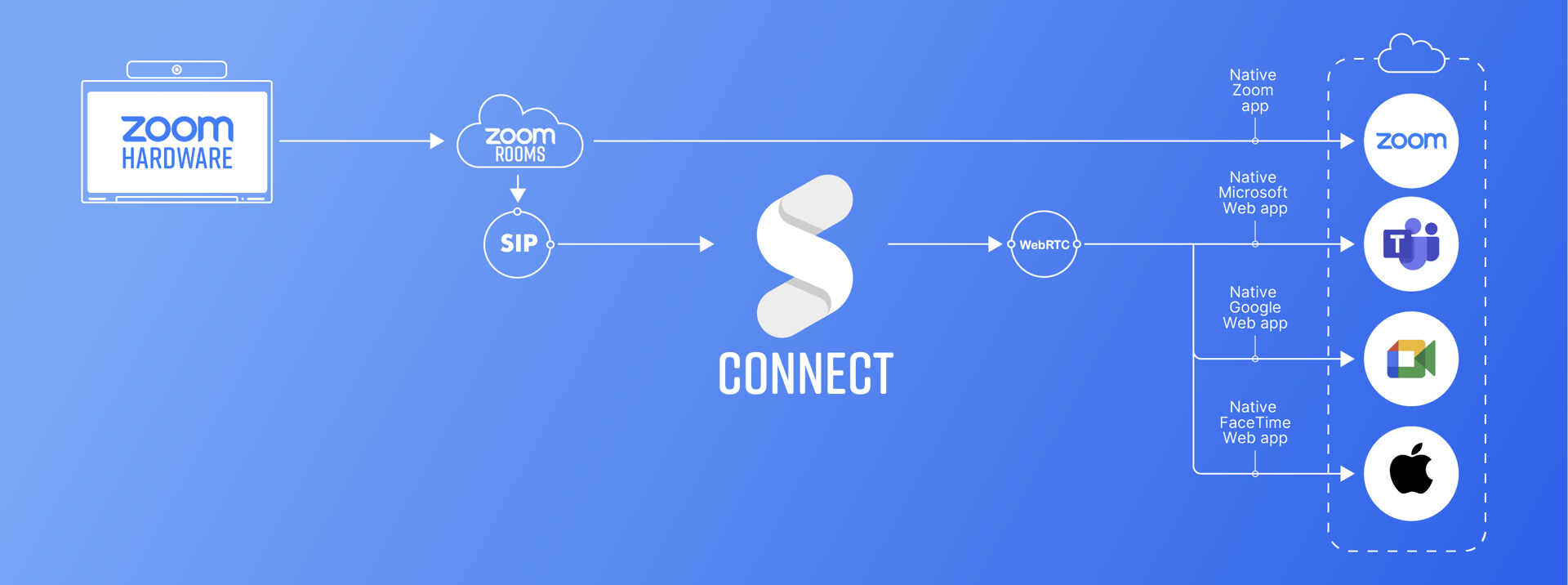
CONNECT GO works entirely in the cloud. With just a Zoom Room device and a mobile phone, you can scan, swipe, and join meetings on Microsoft Teams, Google Meet, FaceTime. It’s seamless interoperability—delivered via cloud services so there’s nothing extra to install locally.
Connecting Any Zoom Room Device to Any Meeting
Synergy SKY CONNECT GO makes it effortless to join Microsoft Teams, Google Meet or FaceTime video meetings from any Zoom Room device.
CONNECT GO works independently of the hardware vendor, supporting all major Zoom Room hardware brands including DTEN, Lenovo, Logitech, HP Poly, Yealink, Crestron, Jabra, and Neat.

01. Dial
Dial go@joingw.com
The URI will be the same for all your SIP devices, always.
Or simply store your fixed URI
to favorites or as a one-click button on the touch screen.

02. Scan
Scan the unique QR codes that appears on the screen.
This opens up an authenticated webpage with your meetings.
Swipe and select your meeting.

03. Connect
When selected your meeting, press JOIN on your phone
and the SIP device connects you to the meeting.
Meeting Control Made Mobile
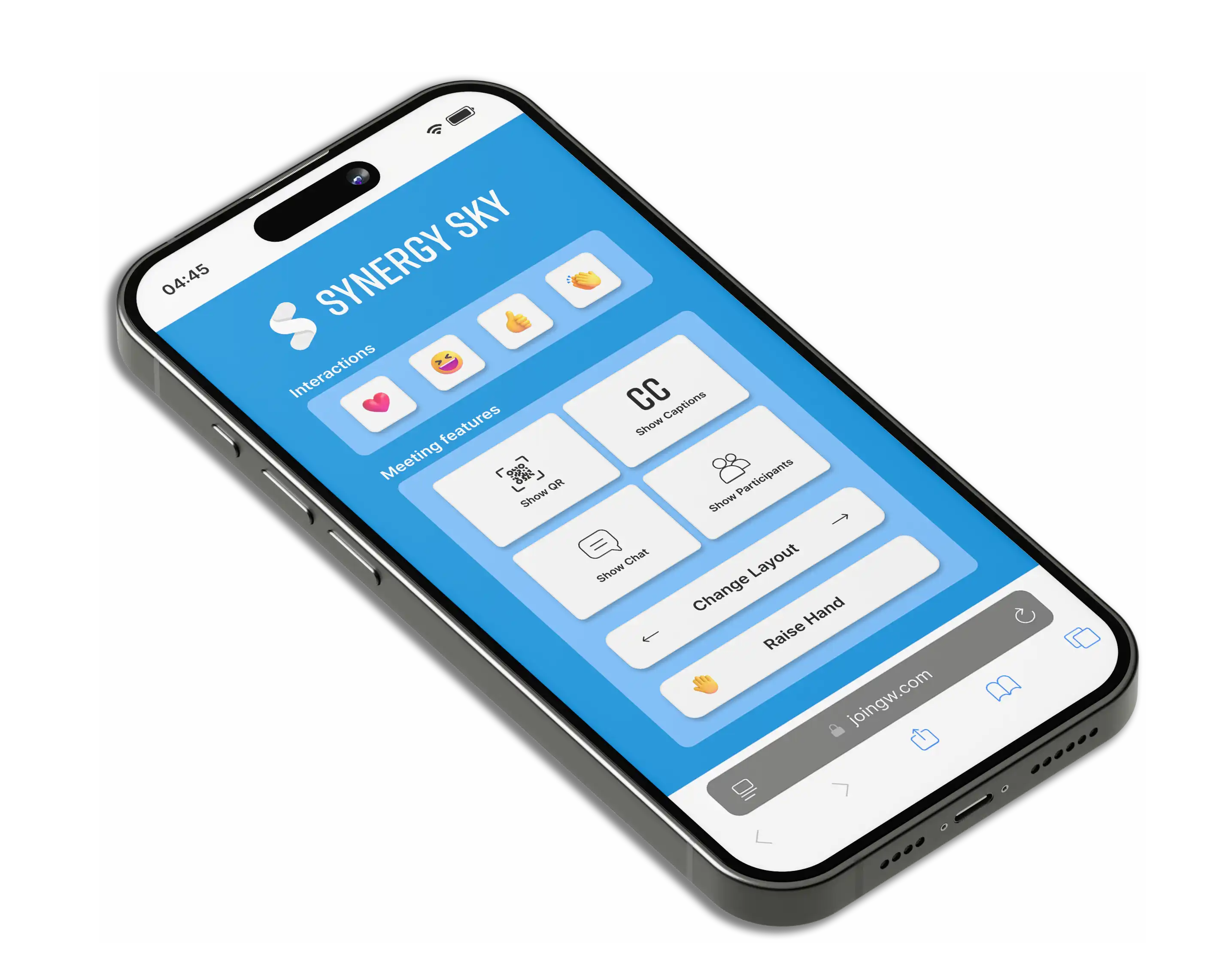
Change layout, open chat, raise hand and more 💖🤚😀 from your phone.
See detailed how-it-works guide here.
Customer Branding
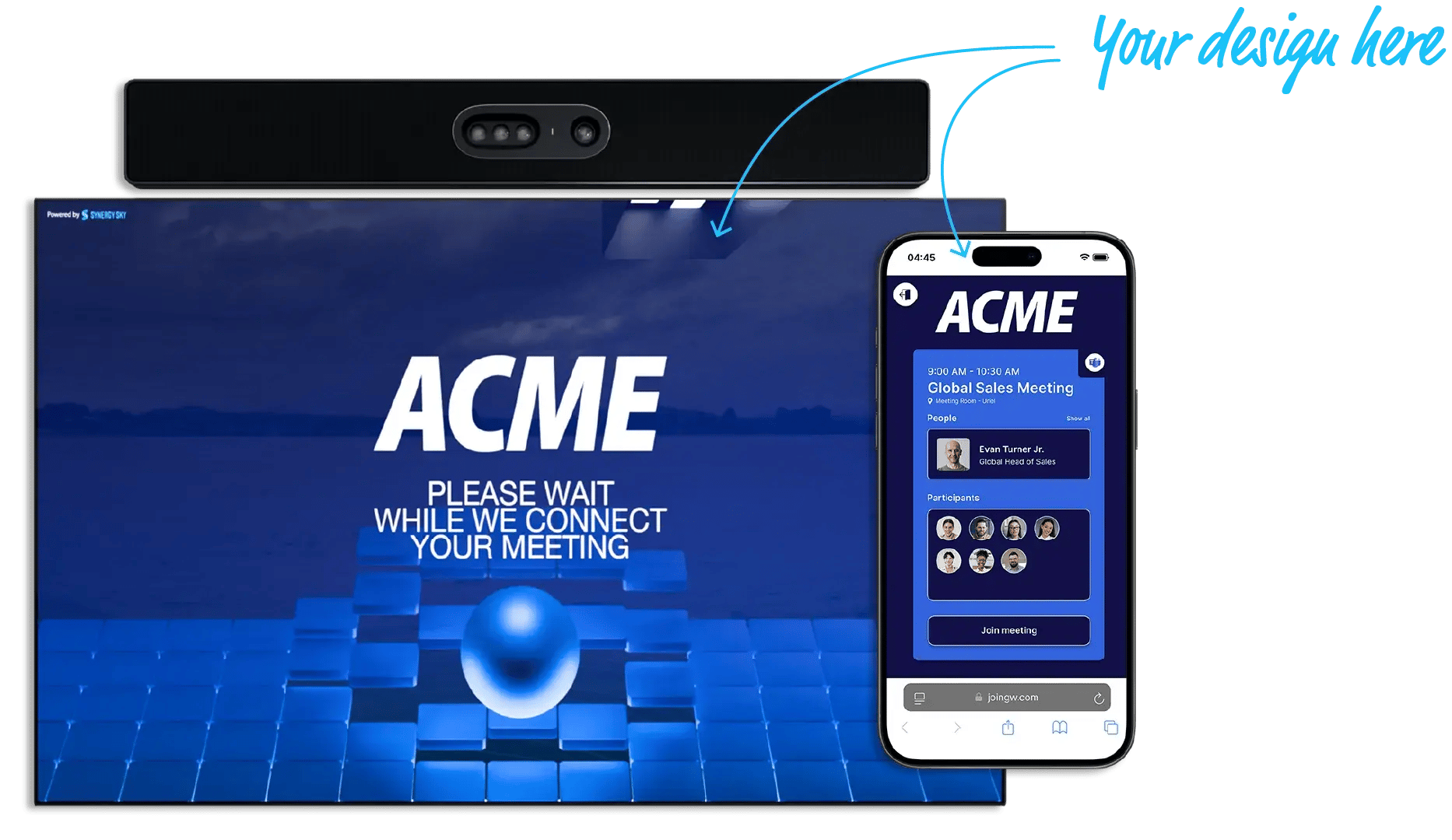
Make every meeting experience feel like your own. Both the mobile interface and the waiting screen can be fully customized with your company’s colors and logo — reinforcing brand identity and building user trust from the first interaction.
On Mobile:
- Customize the calendar view and meeting controls with your brand’s look and feel.
- Ensure a consistent experience whether users are in the office or remote.
Custom Waiting Screen:
- Personalize the connection screen with your branding.
- Displayed for a few seconds while connecting, creating a professional, on-brand impression before every meeting.

The Experience
No dial-in codes, no confusion, no installation

Your phone, your meeting control
Scan, swipe, and join

Universal compatibility
Works across all major platforms
CONNECT GO is built on CONNECT
And is included in CONNECT. Proven, flexible, and ready when you need more.