Cross-cloud Teams acces
Join Teams meetings across Commercial, GCC, GCC High, and DoD environments from Cisco and Poly SIP video rooms.

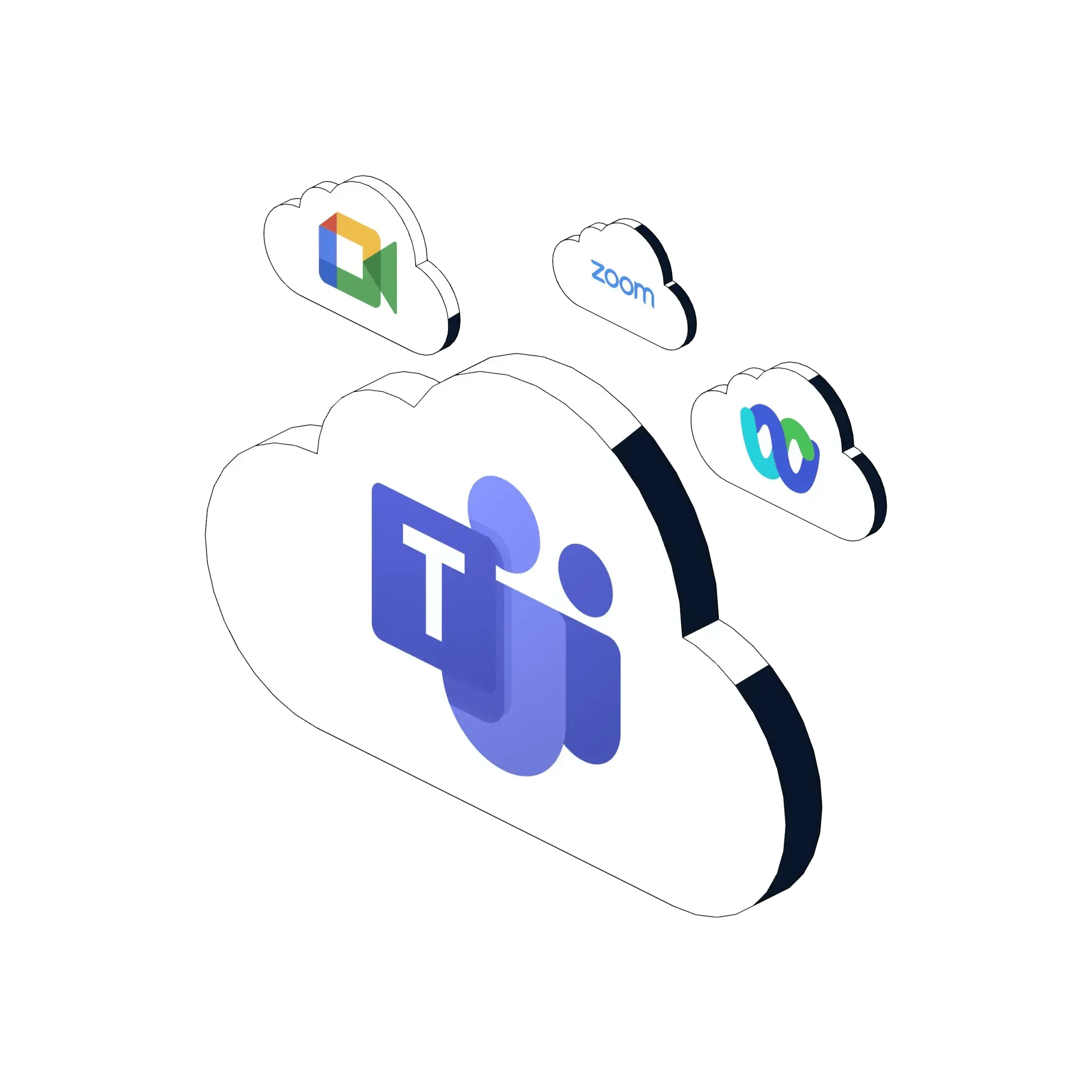
Government collaboration no longer happens in one meeting platform or one Microsoft Teams cloud. Agencies, defense organizations, contractors, and civilian partners need to join meetings across Commercial Teams, GCC, GCC High, DoD, Zoom, and Google Meet without changing user workflows or replacing trusted video room systems.
Synergy SKY CONNECT for Government bridges Cisco and Poly SIP video rooms into modern cloud meetings through a secure, government-ready deployment model designed to keep control inside your environment.

Microsoft Teams is not just one cloud. Government, defense, and regulated organizations often need to collaborate across separate Teams environments, including Commercial, GCC, GCC High, and DoD. These boundaries exist for security and compliance, but they can also block mission-critical collaboration when room systems, tenants, and meeting hosts do not align.
For users, the expectation is simple: if they have a meeting link, they should be able to join. For IT teams, the reality is more complex: the meeting may be hosted by another agency, another contractor, another tenant, or another Teams cloud
Synergy SKY CONNECT for Government makes the meeting link the access point, so users can join from the video room without needing to understand which cloud, tenant, or platform is behind the invitation.

Government organizations rarely collaborate in a single-platform world. Meetings include agencies, contractors, suppliers, regulators, mission partners, and commercial organizations, each using their own collaboration environment.
The newer blog frames this clearly: modern meetings span multiple Teams clouds, Zoom domains and regions, Google Meet, and other platforms.
Join Teams meetings across Commercial, GCC, GCC High, and DoD environments from Cisco and Poly SIP video rooms.
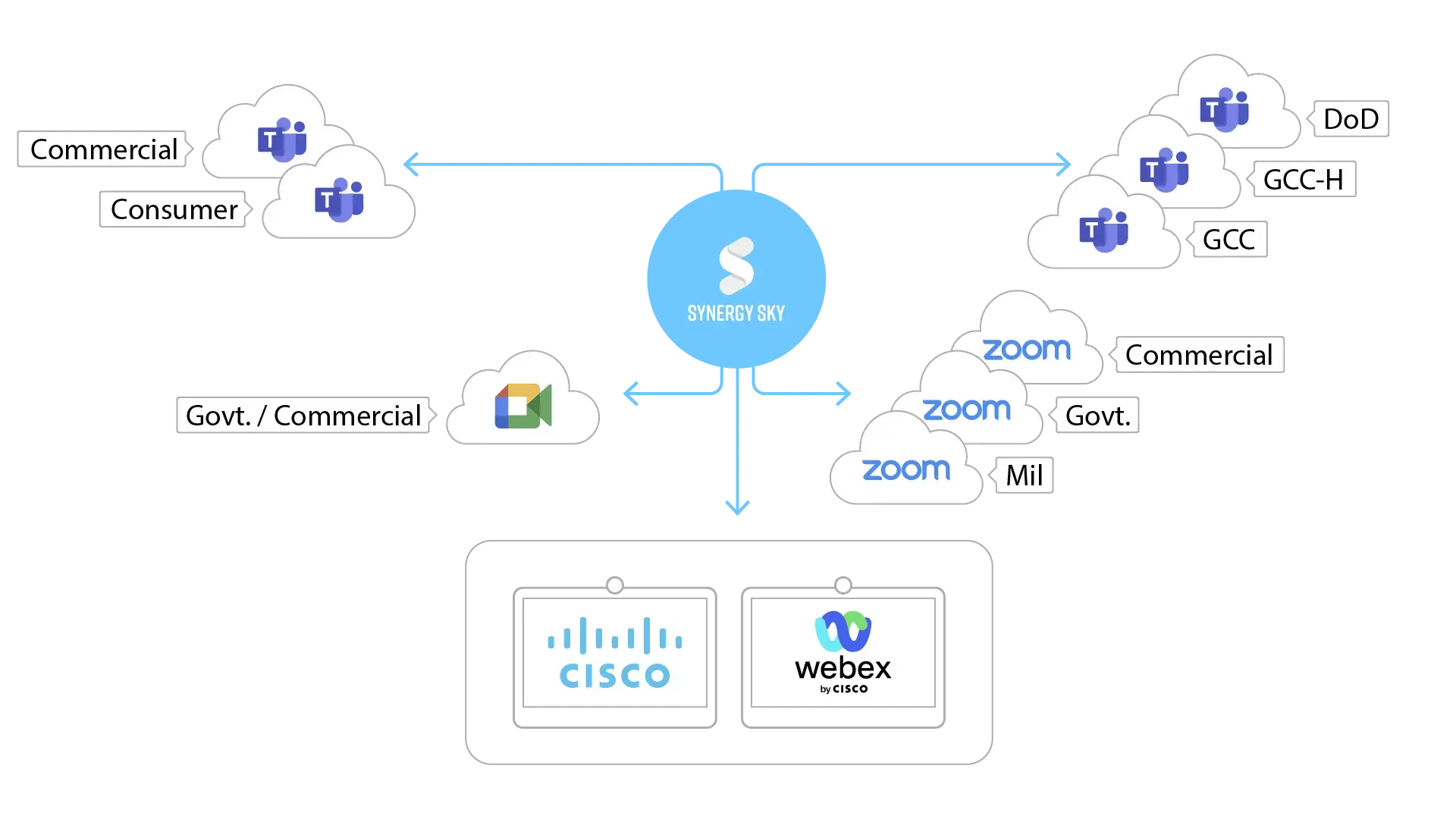
Support meetings hosted by other agencies, partners, contractors, and external organizations, not just meetings hosted inside your own tenant.
Use the same video room workflow for Microsoft Teams, Zoom, and Google Meet meetings.

Users schedule in the calendar, walk into the room, and press one button to join.
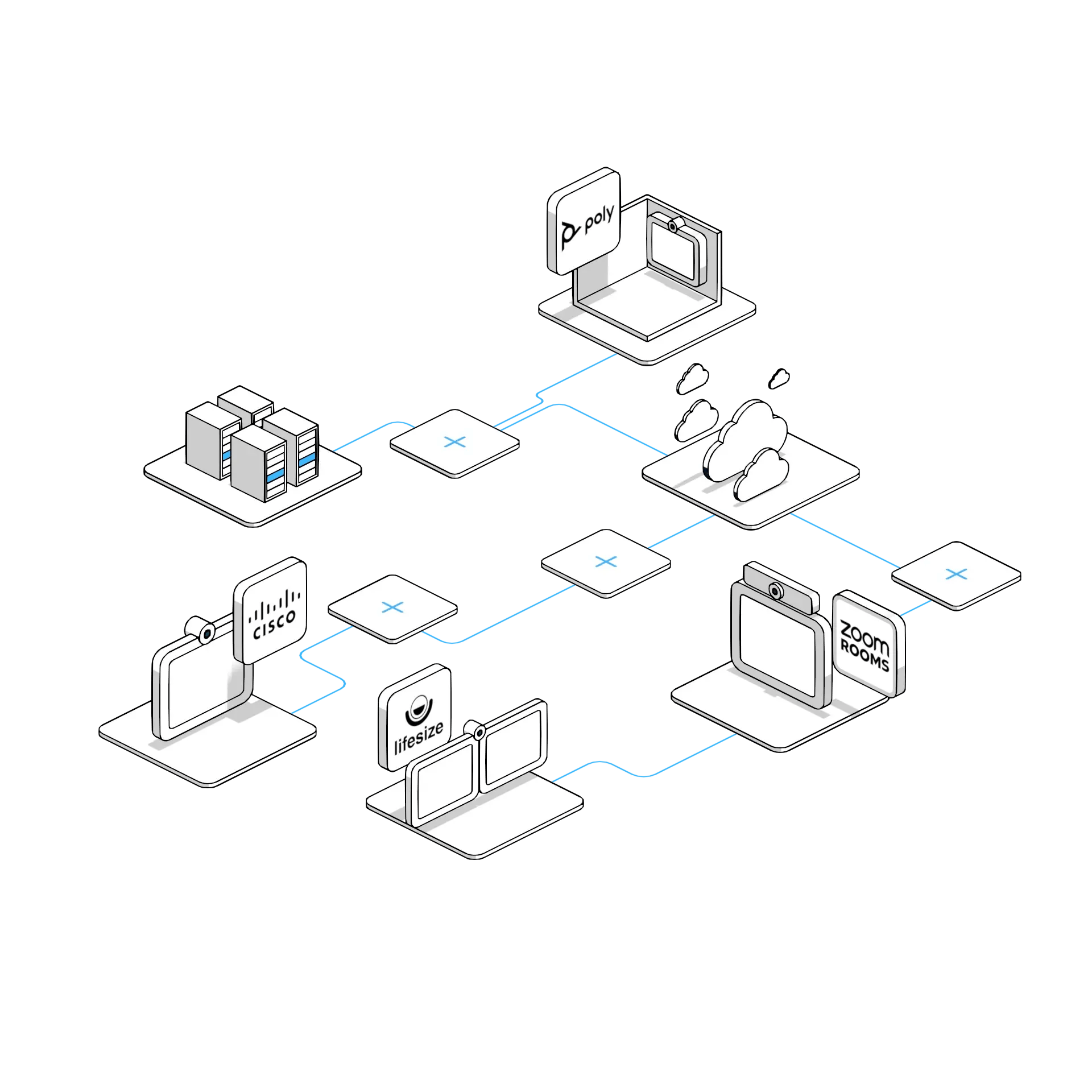
Step 1 - Schedule or receive any supported meeting
Use your existing calendar workflow. No Synergy SKY plug-ins or user apps are required.
Step 2 - Add the video room
Invite the Cisco or Poly room system just like any other meeting room resource. Or forward the meeting invitation.
Step 3 - Synergy SKY prepares the connection
CONNECT identifies the meeting type, creates the correct dial string, and prepares the room for one-touch join.
Step 4 - Press the button and join
The user joins from the video device with a consistent meeting experience, whether the meeting is Teams, Zoom, or Google Meet.
Step 5 - Route intelligently
If the endpoint can connect directly, the call uses the direct path. If translation is needed, the call is routed through the Synergy SKY CONNECT engine for interoperability.
With Synergy SKY CONNECT for Government, your video rooms are not limited to meetings hosted inside your own tenant or your own Teams cloud. CONNECT is designed to make SIP rooms more flexible across internal, external, cross-tenant, and cross-cloud collaboration scenarios.
Government collaboration cannot come at the expense of control. CONNECT for Government is designed for secure deployment models that allow agencies to maintain ownership of their video interoperability environment while connecting existing SIP infrastructure to modern cloud meeting platforms.
Whether your agency is modernizing meeting rooms, extending the life of Cisco and Poly devices, or supporting external collaboration with mission partners, CONNECT helps reduce complexity without forcing a rip-and-replace strategy.
Keep existing SIP-based video devices, use existing Outlook or Google calendar workflows, and give users a consistent one-touch join experience across supported meeting platforms.
Synergy SKY Management Suite gives IT teams the visibility and control needed to manage government meeting rooms at scale. It integrates with your existing calendar environment, automates meeting connection details, supports one-touch join, and provides the reporting needed to understand room usage and meeting performance.
Generate the right connection details from the meeting invitation.
Enable one-touch join on supported Cisco and Poly room systems.
Monitor meeting activity, room usage, and performance from a central platform.
Best suited for same-cloud or host-enabled Teams meeting scenarios.
Designed for government organizations that need secure SIP room access across Teams clouds, external tenants, and multiple meeting platforms.
Explore why Teams cloud boundaries create collaboration challenges between agencies, contractors, and civilian organizations.
See why modern collaboration is no longer single-platform, and why web-based interoperability is becoming more durable.
Give users one trusted way to join Teams, Zoom, and Google Meet meetings from existing Cisco and Poly video rooms,
even when collaboration crosses agencies, tenants, and Teams cloud environments.