
Synergy SKY CONNECT

Enterprise Video Interoperability Gateway 

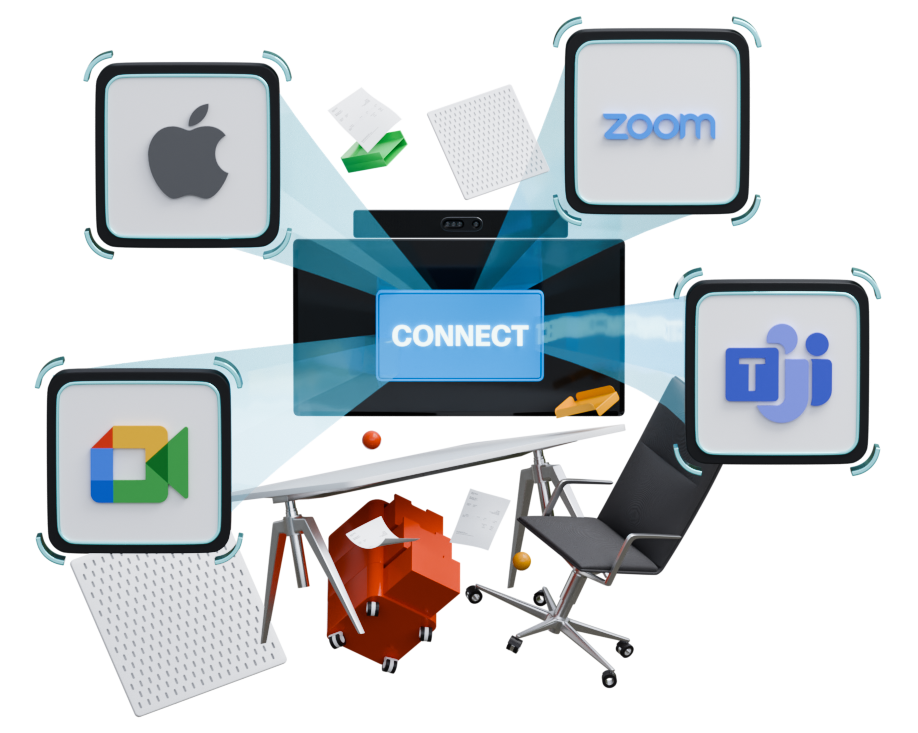
Join Microsoft Teams, Zoom, Webex, Google Meet, and FaceTime from any meeting room with a secure, one-touch experience. 

connect_hero_graphic

Bridging SIP Devices and Web Meetings


Synergy SKY CONNECT is an award-winning gateway enabling any SIP video device to connect to web meetings.

It works regardless of the type and model of devices, making it a sustainable solution. CONNECT provides an easy way to optimize existing setups without the need for any user training.


Hero Graphic 201123


track_record

Software that support your meetings

CONNECT is a flexible, vendor-neutral solution that enables SIP-based video devices and Zoom Rooms to connect with various platforms like Teams, Zoom, Google Meet, Webex and Apple FaceTime. 
CONNECT also has SIP registrar service and conference management.
 
CONNECT is an all-in-one service for your SIP video devices


The Experience

TrueView™ by Synergy SKY ensures full visual fidelity and interactive features.

Icon Star

Deploy the Way You Want.
Join the Way You Prefer.


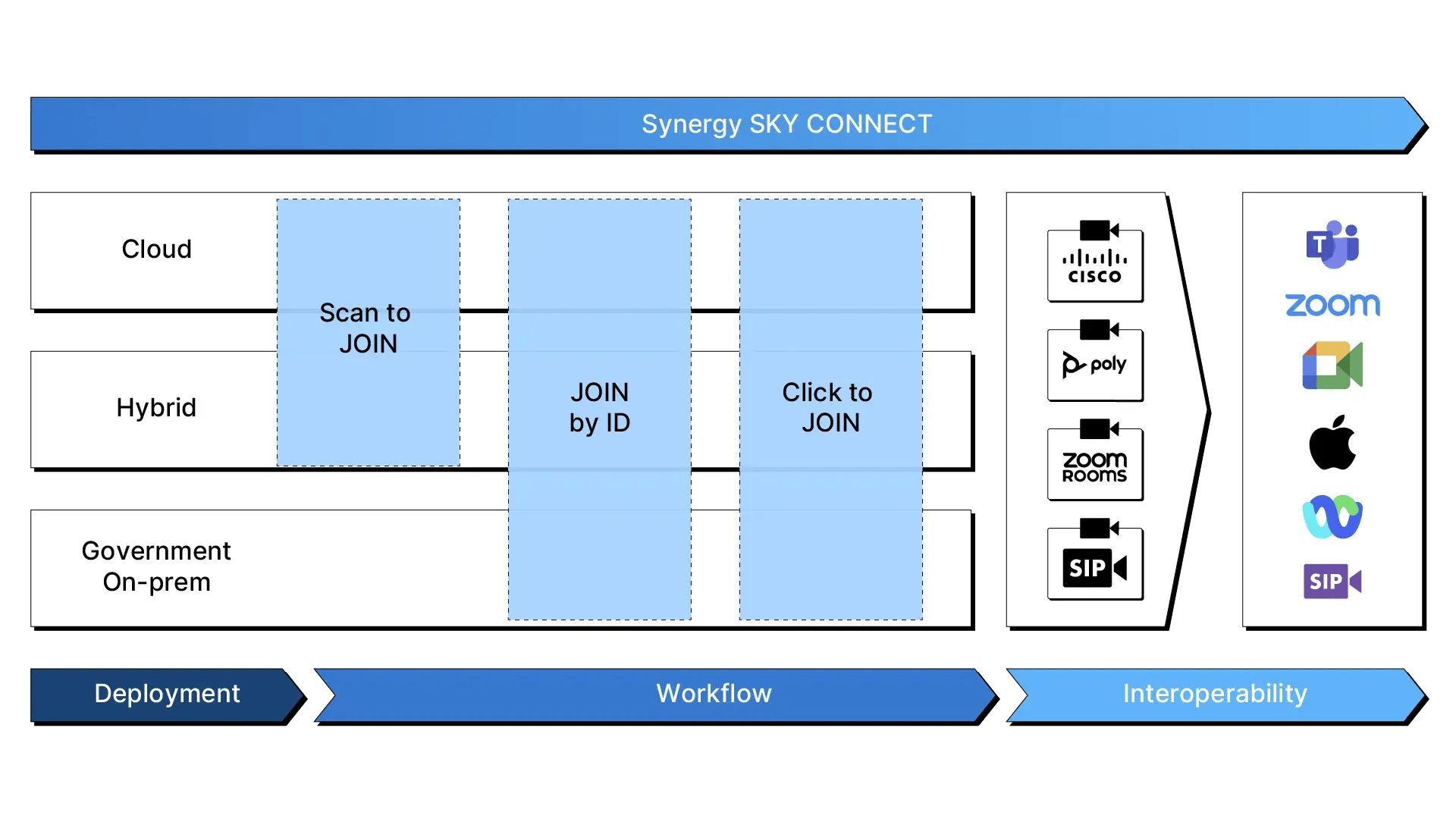
CONNECT supports your existing video setup and every common way to join meetings. Deploy CONNECT in the way that fits your environment best.
CONNECT Diagram 2025 Color No BG

Your workflow defines how you prefer to schedule and start meetings:

  • Scan to Join (GO): Dial a fixed number and scan the QR code to enter the meeting.

  • Join by ID: Dial the meeting ID directly.

  • Click to Join: Schedule or forward the meeting room and join with a single click.

CONNECT provides full interoperability, linking almost any SIP video device to all major meeting platforms.

GO LogoTouchpanel copy1200


Check out

CONNECT GO

Zero installation - just GO!

 
connectivity2

Seamless
connectivity

Connect to any Teams, Zoom, Google or FaceTime meeting regardless of who sends the invite

 
unified2

Unified Meeting Experience

Consistent, easy user experience for all meeting types

 
powerpoint2-1

Versatile Content Sharing

Share 2-way content by all possible methods. Both for single and dual screen video terminals

 
open_standards2

Platform-Agnostic

Not limited to a specific meeting platform. Support for all major video conference and web meeting vendors

 
generations alt 2

Compatibility Across Generations

Works with legacy and current video devices, multi-brand

 
price_2

Pricing Simplicity

Flat, simple pricing model. Learn more

See it in action


If your meeting rooms can’t join every meeting, they’re not doing their job.

Let’s fix that.


Is Synergy SKY right for you?

Quick 60-second checker to see if Synergy SKY can fix your video meeting headaches.

Step 1 of 5
© Synergy SKY

Meeting Room Optimization

Optimize your meeting resources and save costs by using meeting rooms to the fullest

Auto check-in - Icon

Auto check-in  

Into room calendar by sensors

Participant count - Icon

Participant count

People count by Cisco inbuilt sensors for room optimization and reports

Meeting success forecast - Icon

Meeting success forecast

Get compatibility or other disruption warnings before meeting starts

Phonebook - Icon

Phonebook

Multitiered contact directory on Cisco touch panels

Auto release of rooms with no-show - Icon

Auto release of rooms with no-show 

Less unused but booked rooms

For more information on each individual feature, click here.

The latest release notes can be found on our support portal.


Resources

CONNECT ANY SIP video device to ALL  meetings with your existing setup:

SIP-1

SIP video devices

Cisco and Poly video conferencing systems

calendar-1

Calendars

Microsoft Outlook, Exchange and O365 or Google Calendar

UC_communications

Collaboration platform

Microsoft Teams, Google Meet and Zoom