
Step 1
Dial:
go.demo@joingw.com for one screen system
go2.demo@joingw.com for dual screen system
From any SIP video device or Zoom Room.
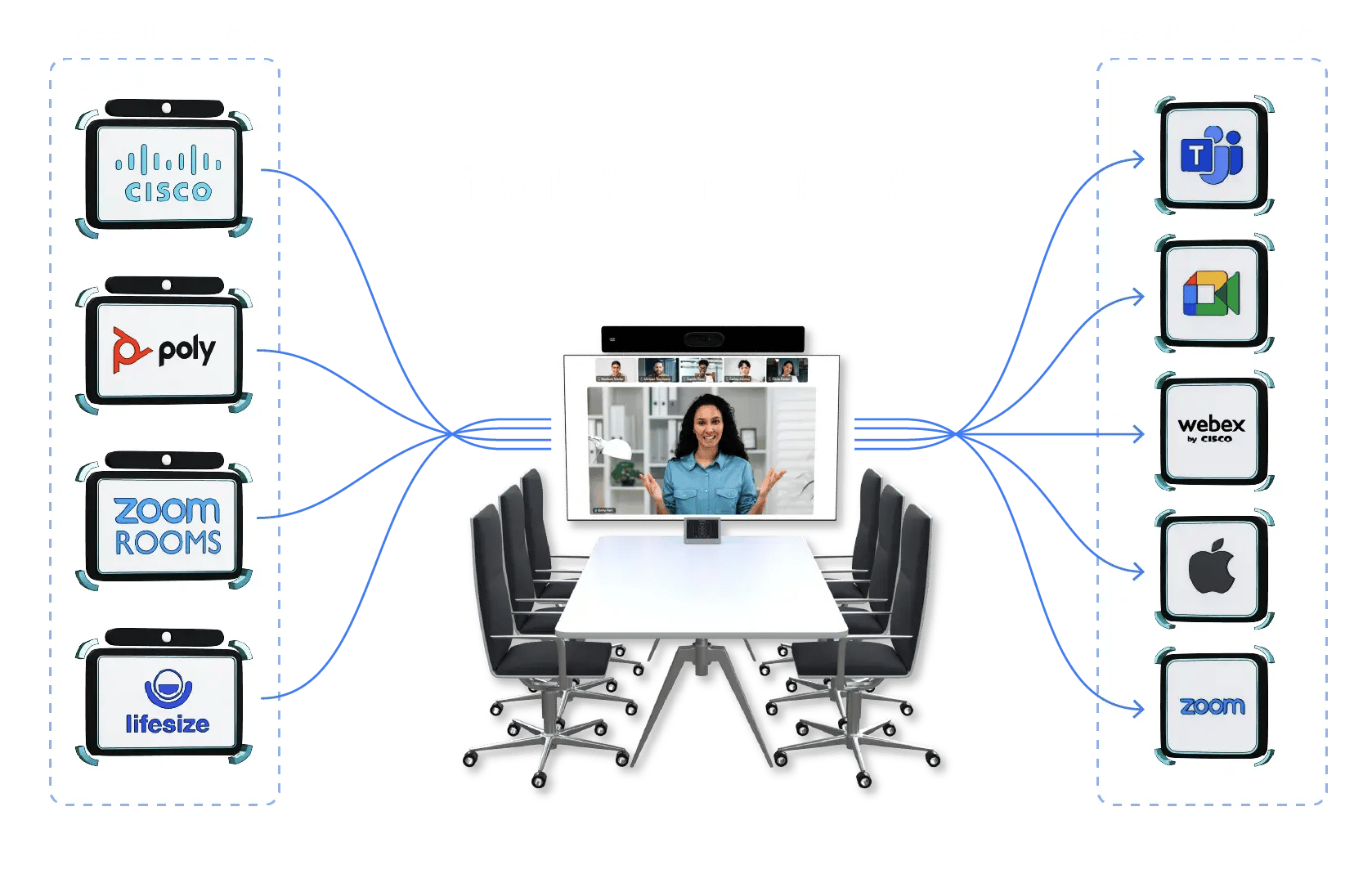
This demo portal lets you test how easily traditional video conference devices connect to modern meeting platforms using Synergy SKY CONNECT GO.
From a SIP device or Zoom Room you can join:
You will experience the video quality, simplicity, and flexibility of CONNECT GO exactly as your users would.
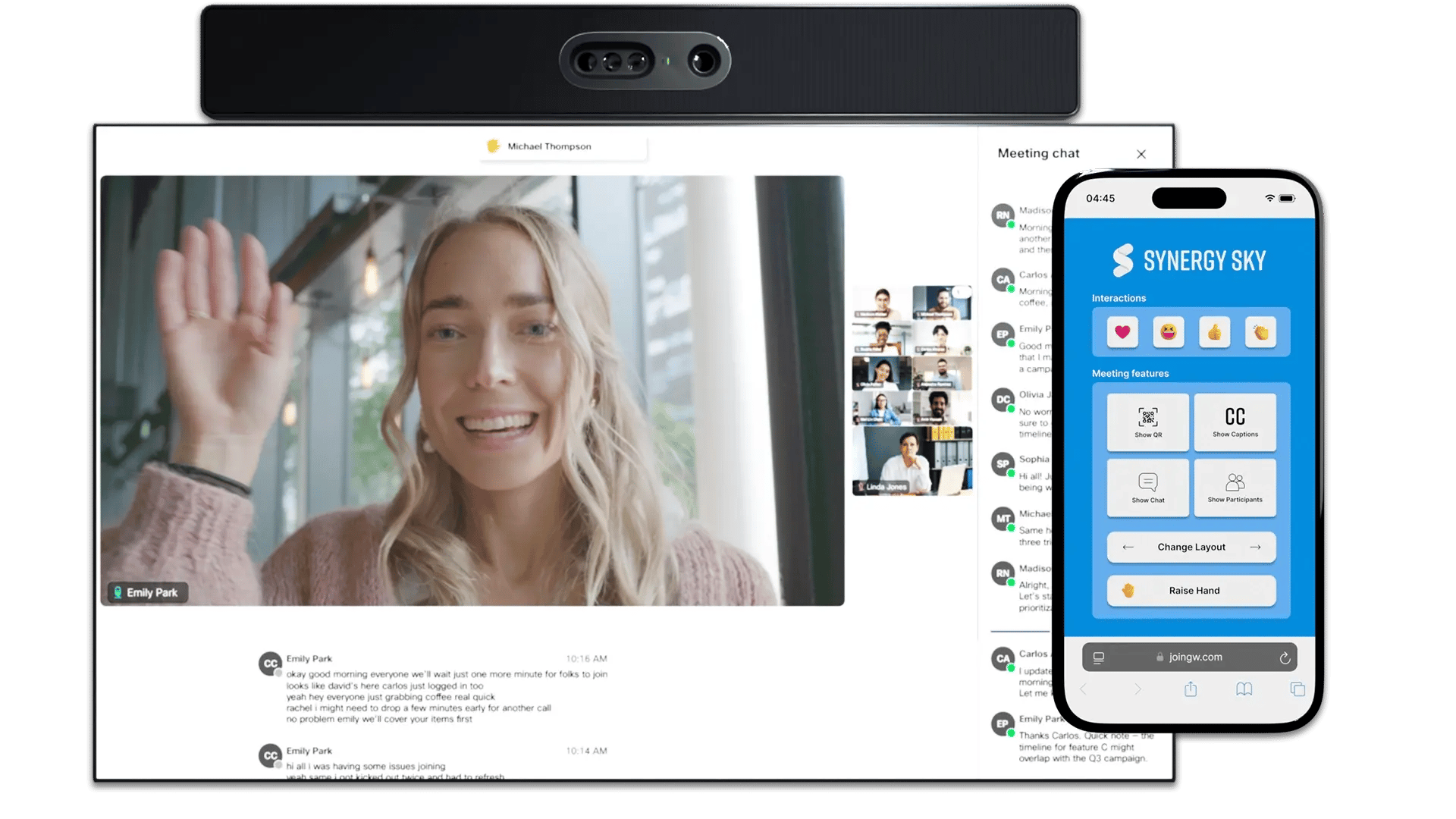
Join the same meeting from multiple devices and see how TrueView Engage enables full participation across platforms.
Try features like:
Experience how every participant stays fully engaged, regardless of device or platform. Learn more about TrueView
Synergy SKY CONNECT GO has passed Microsoft’s official app certification process for security, compliance, privacy, and data handling. For customers, this provides independent assurance of a secure, trusted solution that aligns with enterprise IT standards and simplifies security reviews and procurement.
Modern meetings happen everywhere:
But meeting rooms often run on SIP-based video systems. Synergy SKY CONNECT GO bridges that gap instantly without complex setup or manual dialing.